Configuration Guide
Note: This page has been split into separate documentation pages for better organization.
Please see:
- Connection Settings — Configure your WordPress-Shopify connection, API keys, and authentication
- Blog Mappings — Set up blog mappings with Shopify Translations API support
Default Settings
After installation, Wash uses the following default values. You can adjust these settings in WordPress under Settings → Wash.
Sync Settings
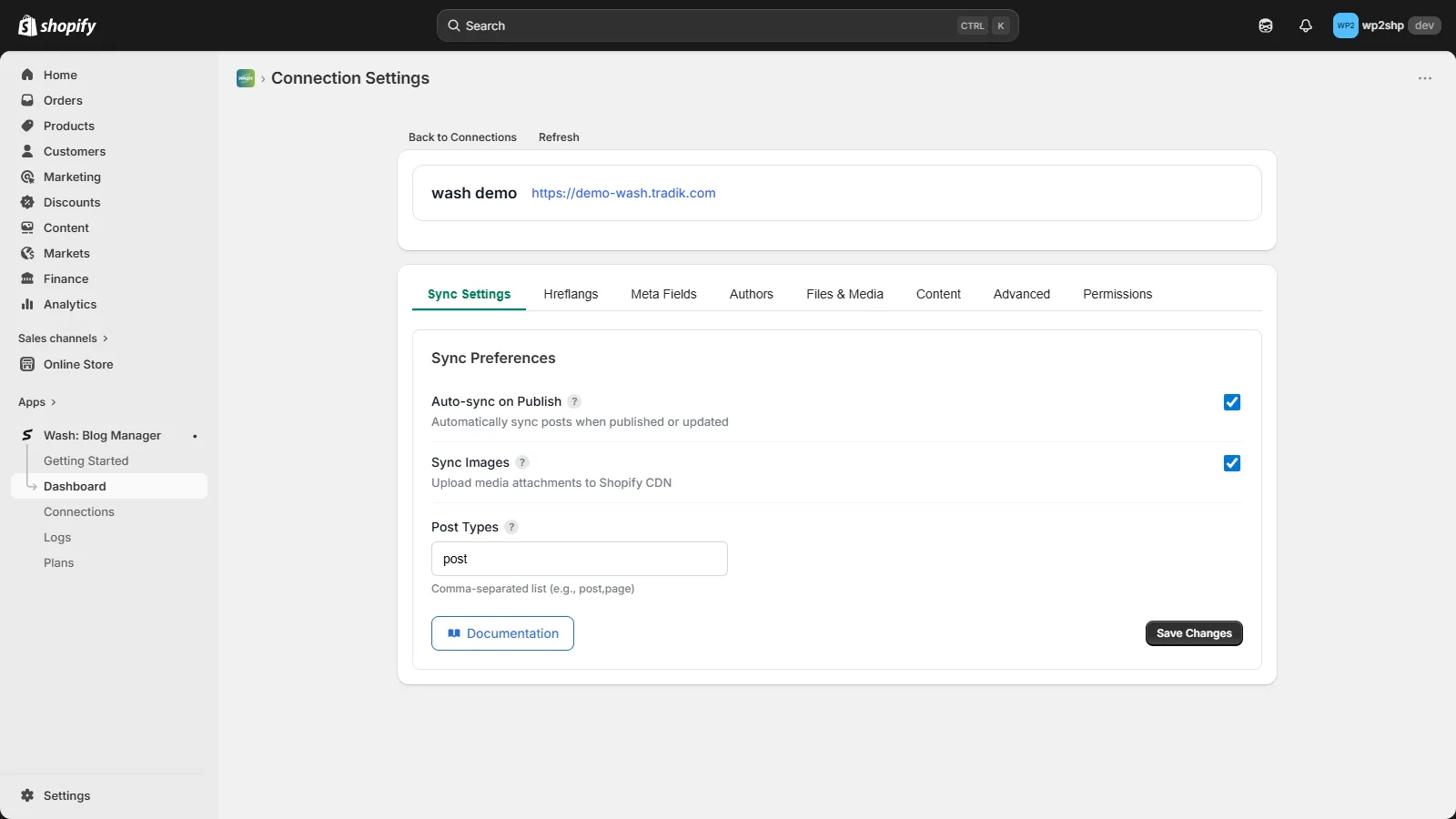
| Option | Default | Description |
|---|---|---|
| Sync on Publish | ✅ Enabled | Automatically sync posts when published |
| Post Types | post, page | Content types to sync to Shopify |
| Block Robots | ✅ Enabled | Add noindex meta to WordPress (SEO on Shopify only) |
Files & Media
| Option | Default | Description |
|---|---|---|
| Upload Files | ✅ Enabled | Sync images and files to Shopify CDN |
| Convert to WebP | ❌ Disabled | Convert images to WebP format |
| Allowed File Types | Images | Which file types to sync (images, PDF, video, audio, documents) |
Metafields
| Option | Default | Description |
|---|---|---|
| Sync Metafields | ✅ Enabled | Sync custom fields to Shopify metafields |
| WordPress Core | ✅ Enabled | Sync excerpt, featured image URL, author |
| Yoast SEO | ❌ Disabled | Sync Yoast meta title, description, focus keyword |
| Rank Math SEO | ❌ Disabled | Sync Rank Math SEO data |
| ACF Fields | ❌ Disabled | Sync Advanced Custom Fields |
Gutenberg Blocks
| Option | Default | Description |
|---|---|---|
| Enable Custom Blocks | ✅ Enabled | Enable Wash blocks in Gutenberg editor |
| Sync Block Structure | ✅ Enabled | Save block metadata as Shopify metafields |
| Include Block CSS | ❌ Disabled | Include WordPress block styles in content |
Advanced Features
| Option | Default | Description |
|---|---|---|
| Hreflang Tags | ❌ Disabled | Sync multilingual hreflang data (WPML, Polylang) |
| Author Mapping | ❌ Disabled | Map WordPress users to custom author names |