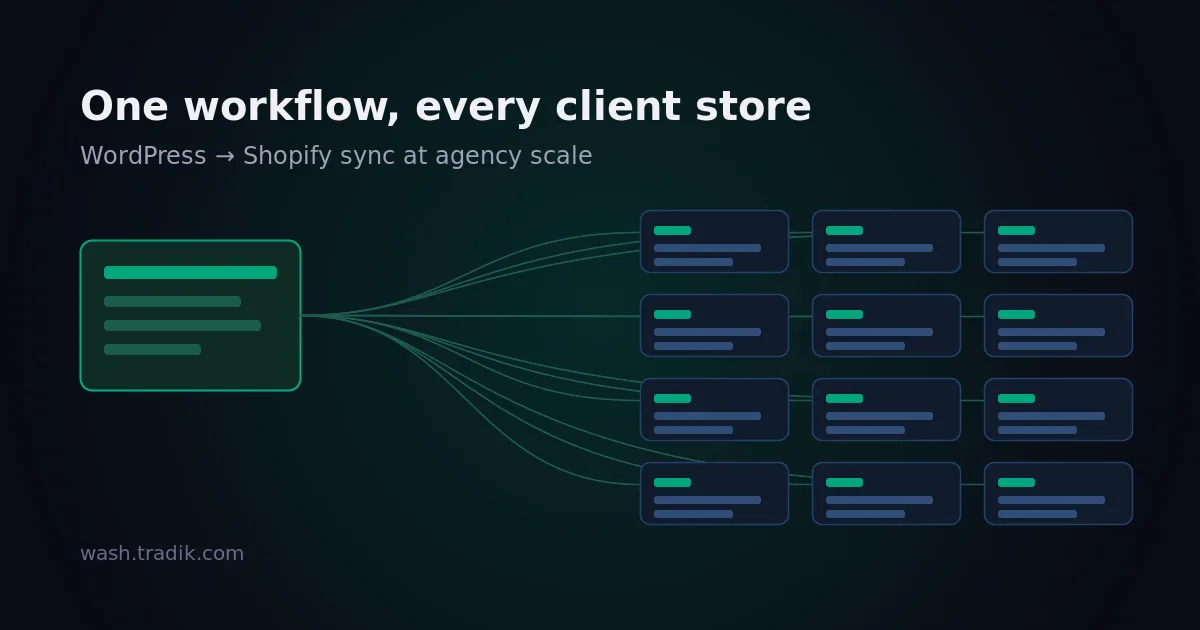
Running WordPress → Shopify Sync Across a Dozen Client Stores
We build Wash, so treat the specifics below as a description of how our tool handles these problems rather than a neutral survey. The problems themselves are not ours — they turn up whenever you run the same content workflow across a book of clients, whichever tool you pick.
Doing this once is a configuration task. Doing it twelve times is an operations problem, and the two fail differently. A single-site setup fails loudly and you fix it that afternoon. A twelve-client setup fails quietly, on the client you haven't logged into since March, and you find out when they ask why the blog stopped updating in July.
The billable unit is the store, not the agency
This is the first thing to get straight, because it decides how you quote the work.
Wash installs on a Shopify store and is billed through Shopify's own subscription system. That means the charge lands on each client's Shopify invoice, not on one agency account you re-bill. There is no agency licence covering twelve stores.
That cuts both ways, and it is worth saying which way:
- Against you: no volume discount to mark up, and twelve separate subscriptions to keep an eye on rather than one line item.
- For you: nothing to front, nothing to chase, no awkward month where a client churns and you are still paying for their tooling. Each store's plan is sized to that store's publishing volume, so the client running four posts a year is not subsidising the one running forty a month.
Practically, quote your setup and your ongoing content work; let the tool sit on the client's bill the way their theme apps and their email platform already do.
Permissions are the part that actually matters at scale
With one site, everyone with access is you. With twelve, "who can change the sync settings" becomes a real question — usually because a client's in-house marketer discovered the settings page and turned something off.
Wash puts that control on the Shopify side. The store owner decides which parts of the configuration the WordPress admins can touch, area by area: sync settings, blog mappings, hreflangs, meta, authors, files, content processing, redirections, and the advanced block. There is also a stricter mode that limits settings changes to named WordPress usernames, so "administrator" and "allowed to reconfigure the sync" stop being the same thing.
Two arrangements come up repeatedly, and they want opposite settings:
- You hold WordPress, the client holds Shopify. The client's store owner locks the technical areas — redirections, advanced, blog mappings — and leaves you the content-shaped ones. Their store, their guardrails; you still do the work.
- You hold both, on the client's behalf. Restrict settings to your own named accounts. When the client's team grows and someone new gets an admin login, the sync configuration does not quietly become theirs to experiment with.
Decide this during onboarding, not after the first incident. It takes two minutes at the start and is a conversation you cannot have retroactively.
Count connections, not clients
A connection is one WordPress site linked to one Shopify store. The plans allow 1, 5, 10 and 20 of them, and the number people get wrong is not the client count — it is the staging count.
If a client runs a staging WordPress alongside production and you want both linked, that is two connections on that store, not one. Same for a client with two WordPress installs feeding one storefront, which happens more often than you would expect after an acquisition.
What connections are not is a way to run twelve clients through one subscription. Twelve clients on twelve Shopify stores is twelve installs, each with its own connection budget. The multi-connection plans are for complexity within a store.
Make the twelfth setup boring
The difference between an agency that offers this and one that dreads it is whether client number twelve takes twenty minutes or half a day. That is a checklist problem, and it is worth writing yours down once:
- Agree the category → blog mapping before you touch anything. Shopify blogs are a flatter structure than WordPress categories, and the mapping is where a client's expectations either get met or quietly get lost. Do it on a call, not by guessing.
- Decide the slug policy per client. Preserving WordPress slugs as Shopify handles keeps existing links meaningful; changing them needs redirects. Wash writes 301s when a URL changes, but the decision about whether URLs should change is a client decision.
- Set author mapping up front. Retrofitting bylines across a few hundred synced articles is tedious in a way that setting them up first is not.
- Write the search and replace rules once, reuse them. Most agencies find the same handful — an old domain to rewrite, a shortcode the theme no longer supports — repeat across clients on similar stacks.
- Turn auto-sync on per mapping deliberately. A category you are still cleaning up is a category you do not want publishing to a live storefront yet.
- Log in once a quarter to nothing in particular. The failure mode described at the top is not a technical problem; it is an absence-of-looking problem.
Steps 1 through 5 become a document. Step 6 becomes a calendar entry. Neither is clever, and that is the point.
Plan the handover on day one
Clients leave, in-house teams get hired, agencies get replaced. Because the subscription sits on the client's Shopify account and the configuration lives in their store, a handover is mostly a matter of access rather than migration — which is the good case.
The part that is not automatic is knowledge. The category mapping you agreed on that call, the reason a particular search and replace rule exists, why one client's slugs were deliberately changed and another's were not: none of that is in the interface. Write it in the client's own documentation, not in your internal wiki, and the handover stays a half-hour conversation instead of a forensic exercise.
Where this doesn't fit
If your clients publish a handful of posts a year, the honest answer is that manual copying still wins on effort — we've written up what that actually costs, and below a certain volume the arithmetic favours doing nothing clever.
If your clients are not on WordPress, none of this applies. And if what you need is products flowing from Shopify into WordPress, that is a different category of tool entirely — we go through the options in our comparison of the approaches.
Where it does fit is the middle: several clients, each publishing regularly enough that manual work is a recurring line in your month, on a stack you would rather standardise than improvise. If you are setting up your first one, the full setup walkthrough is the place to start; the twelfth is the same steps, done from a checklist.